


Verify
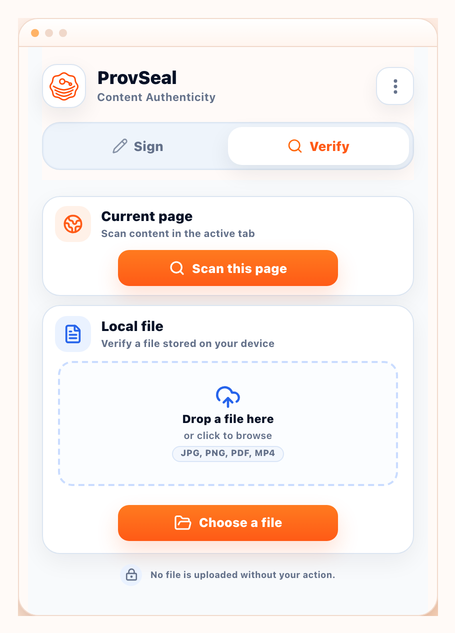
C2PA Signer Extension
Free Chrome extension for local verification, page scanning and test-signing.
Install free extensionVerify provenance. Sign with confidence.
Inspect Content Credentials and sign digital assets with local-first, privacy-first tools.
Supported formats
Verification
Signing
Verify in Chrome for free. Sign and batch on Desktop. Add Console when your fleet needs governance.
Verify
Free Chrome extension for local verification, page scanning and test-signing.
Install free extension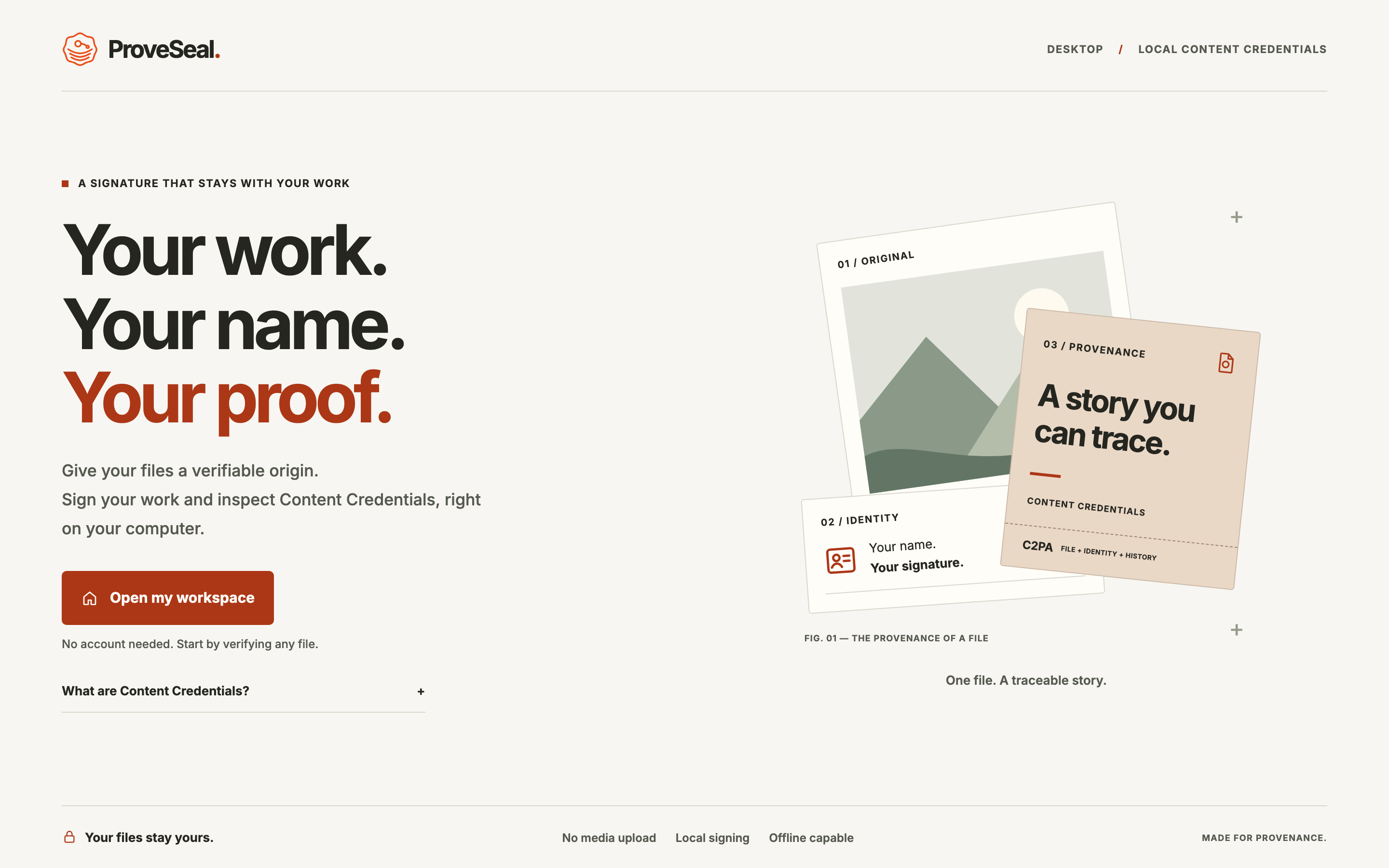
On-premise platform for local signing, verification, batch workflows and hardware-backed identities.
See how Enterprise worksGovernance layer for machines, policies, audit metadata and releases.
Explore Console governance
Chrome extension
Valid Content Credentials plus a recognized trust chain from the C2PA Trust List.
The signature is valid, but the certificate is not from a publicly trusted authority.
C2PA data exists but integrity or signature validation failed.
No C2PA evidence detected. This does not mean the content is fake.
On-premise C2PA signing and verification. Desktop processes media locally; Console governs machines, policies and audit — metadata only, never raw media.
Sign · Verify · Batch
P12/PFX · PKCS#11 · YubiKey · HSM-ready
Machines · Policies · Audit · Releases
The same C2PA evidence supports editorial, brand, platform and compliance decisions.
Verify incoming media provenance before publication across newsrooms and publishers.
Explore media workflowsReview brand assets for expected Content Credentials and provenance signals.
Explore brand workflowsIntegrate C2PA signing and verification into generative and publishing pipelines.
Explore platform workflowsAudit digital media trails and document technical provenance checks.
Explore compliance workflowsStraight answers about local verification, trust status and what ProvSeal does not claim to do.
View all FAQ answersNo. Verification is designed to run locally in your browser. Your files are not uploaded to a ProvSeal backend.
No. It means no C2PA manifest was detected. Many authentic images do not yet carry Content Credentials.
No. It can show declared tooling and actions when credentials are present, but it is not AI or fake detection.
ProvSeal supports verification workflows for JPEG, PNG, PDF, MP4, MOV and WebM. Signing supports JPEG, PNG and PDF.