
macOS · Apple Silicon
arm64 Matches your MacM1–M4 Macs. Drag ProvSeal Beta into Applications after opening the DMG.
Download DMG (arm64) SHA-256ProvSeal Desktop
Local signing, verification and batch workflows. Media stays on device. Optional Console governance when your fleet is ready.
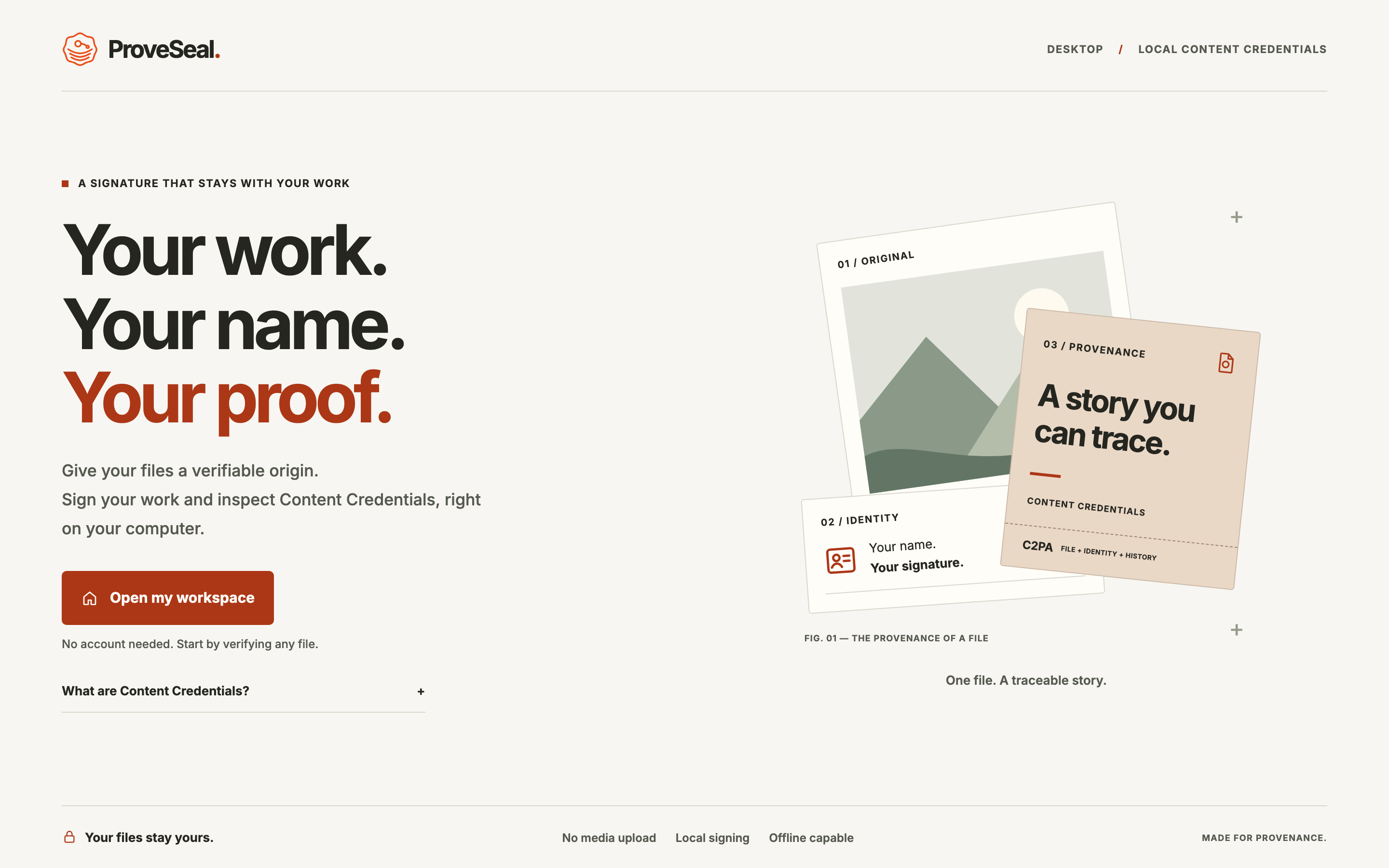
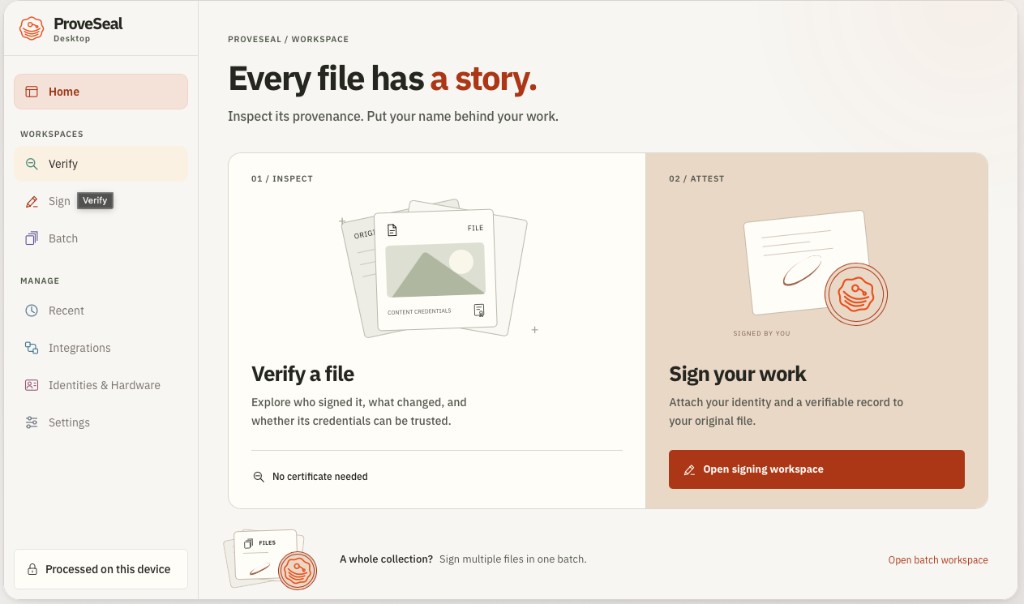
ProvSeal Desktop is the execution plane: open a file, inspect provenance, sign with your identities, or process folders — without a cloud media upload.
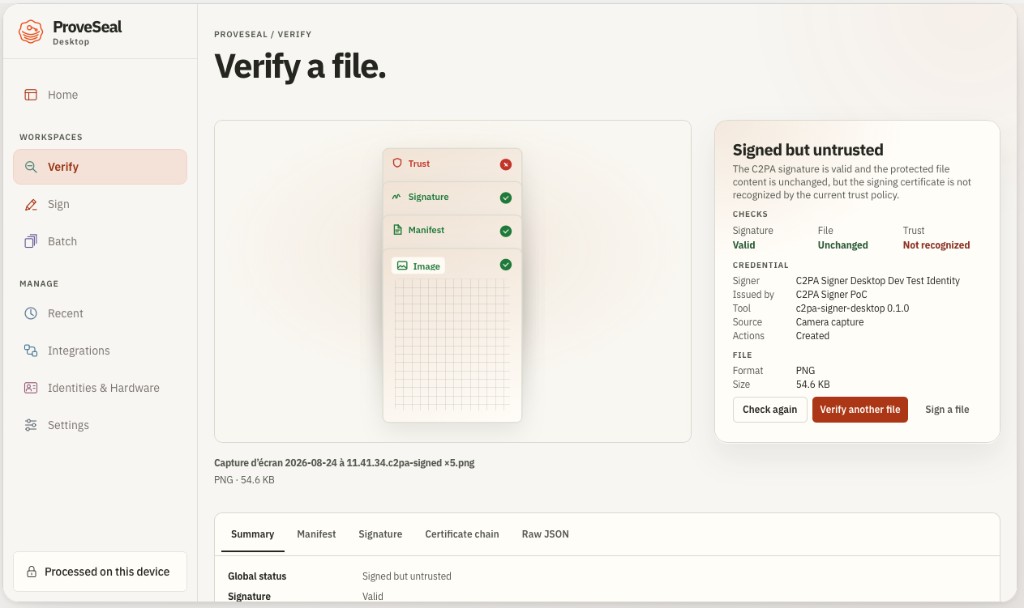
See why a file is Trusted, Signed but untrusted, Invalid or missing credentials — the same status model as the extension, built for serious local review.
We detect your Mac when possible and highlight the matching build. Windows and Linux are planned.
Recommended for this device
Download the build that matches your Mac.
M1–M4 Macs. Drag ProvSeal Beta into Applications after opening the DMG.
Download DMG (arm64) SHA-256Intel Macs. Separate DMG — not interchangeable with Apple Silicon.
Download DMG (Intel) SHA-256NSIS installer on a Windows runner. SmartScreen may warn on unsigned beta builds.
Join pilot waitlist.deb and AppImage when Linux CI is ready. Checksums ship with each release.
Local integrationStart local. Scale governance later — Console never processes raw media.