

Google Chrome
Available nowInstall from the Chrome Web Store. Works on Chrome and Chromium-based browsers that support the Web Store.
- Open the Chrome Web Store listing
- Click Add to Chrome
- Pin the extension, then open Verify
C2PA Signer
Free browser extension for local verification, page scanning and test-signing — without uploading files to a ProvSeal backend.
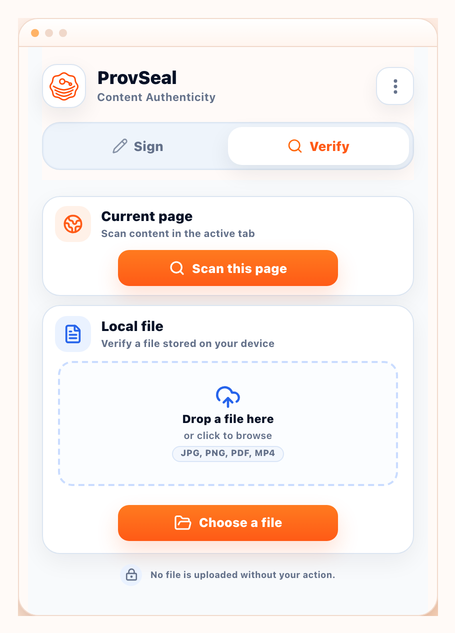
One click from the Chrome Web Store. Firefox is submitted for review and will be announced when approved.
Install from the Chrome Web Store. Works on Chrome and Chromium-based browsers that support the Web Store.

The Firefox build is currently under Mozilla Add-ons review. Availability will be announced here when it is ready.
Follow status updatesDrop a JPEG, PNG, PDF or video. The extension checks integrity and certificate trust on your device — the file stays local.
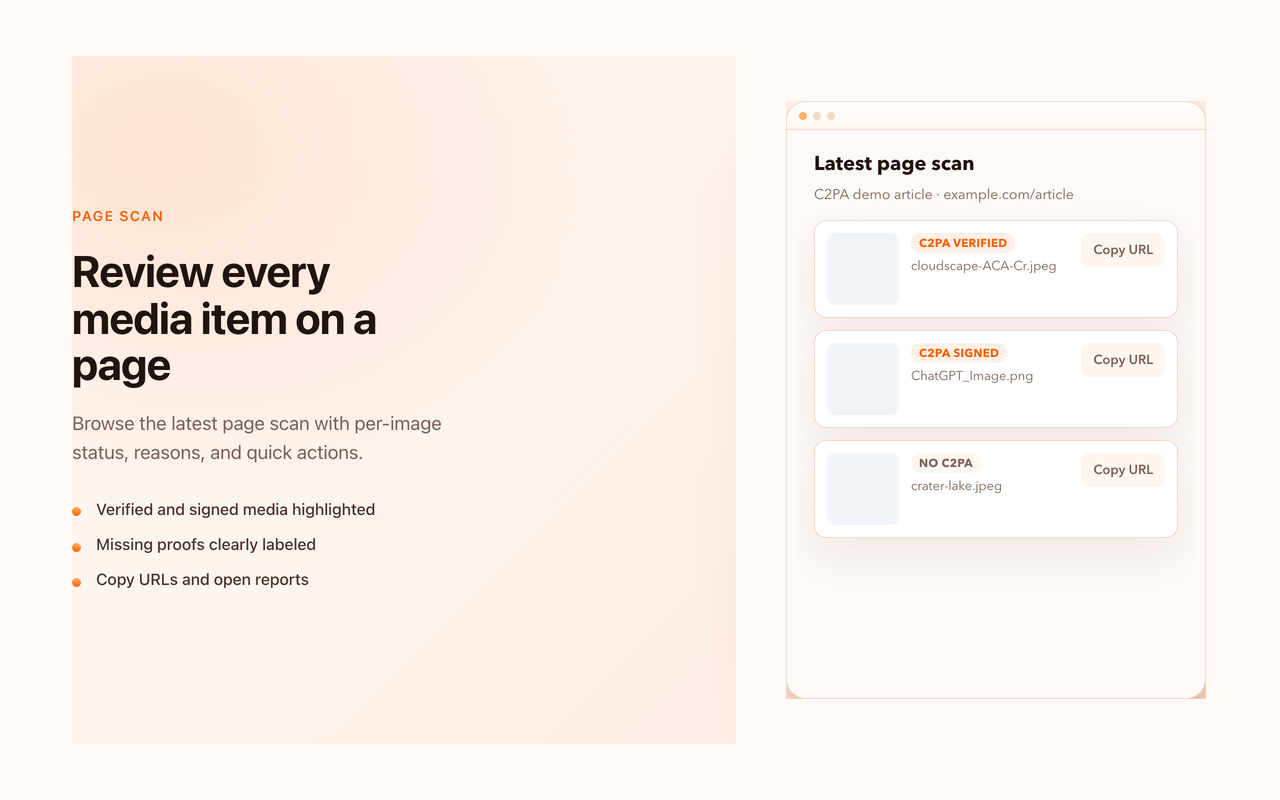
Run a user-triggered page scan to badge visible media with provenance status — useful for editors, reviewers and trainers.
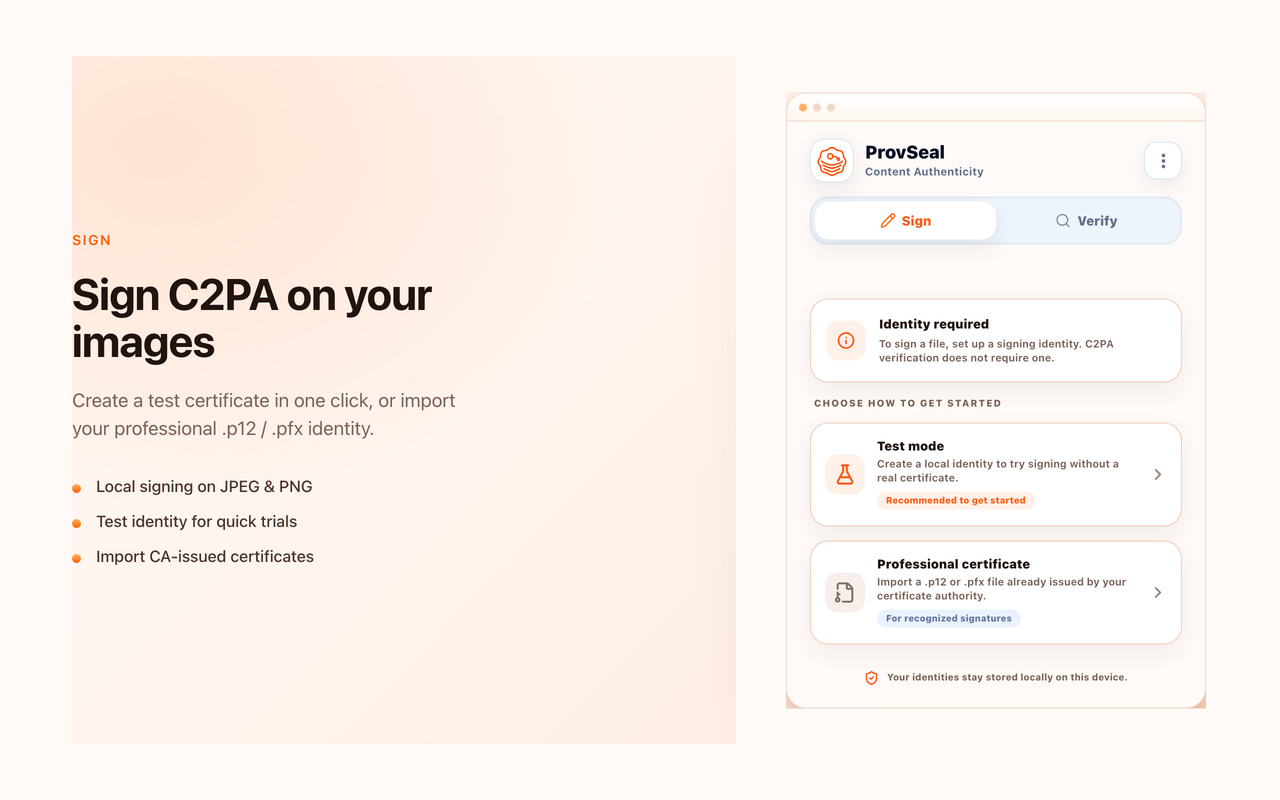
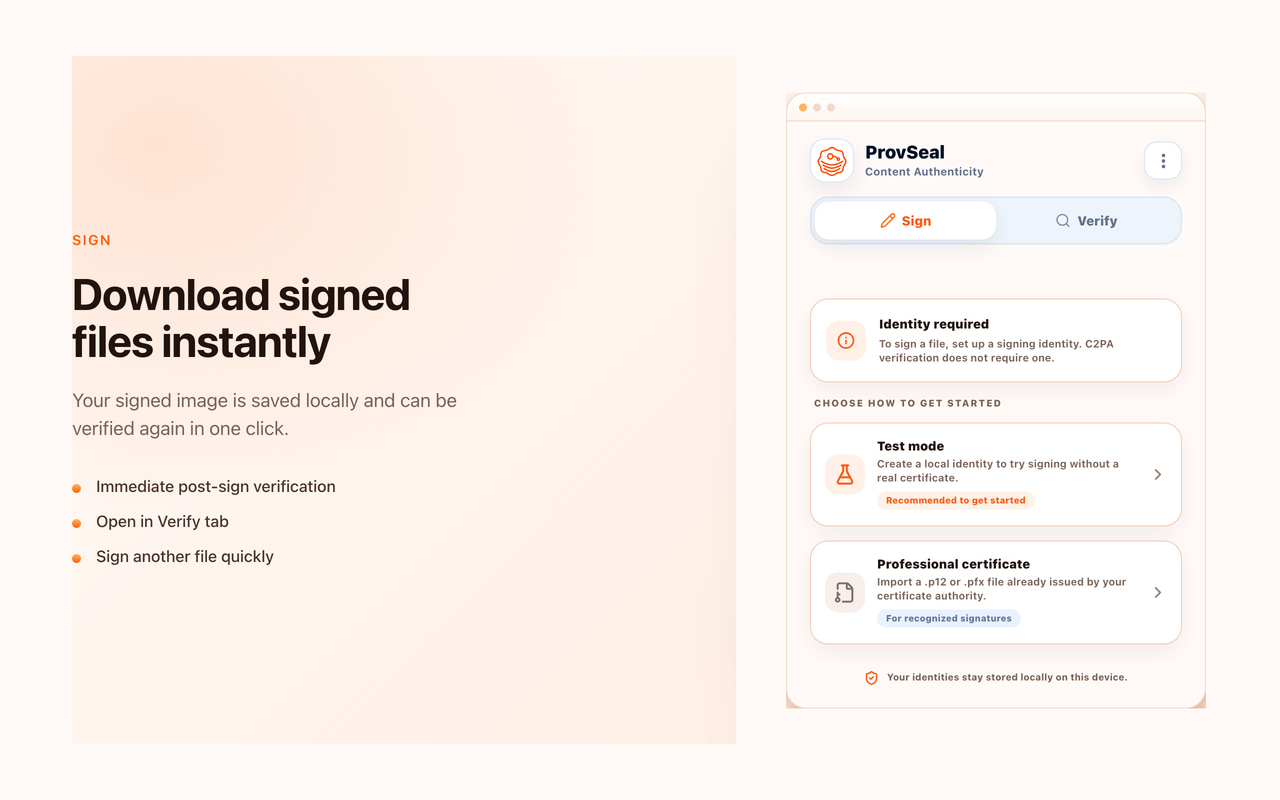
Compose a test signature locally, manage identities in the extension, and verify the result immediately — for demos, not public trust.
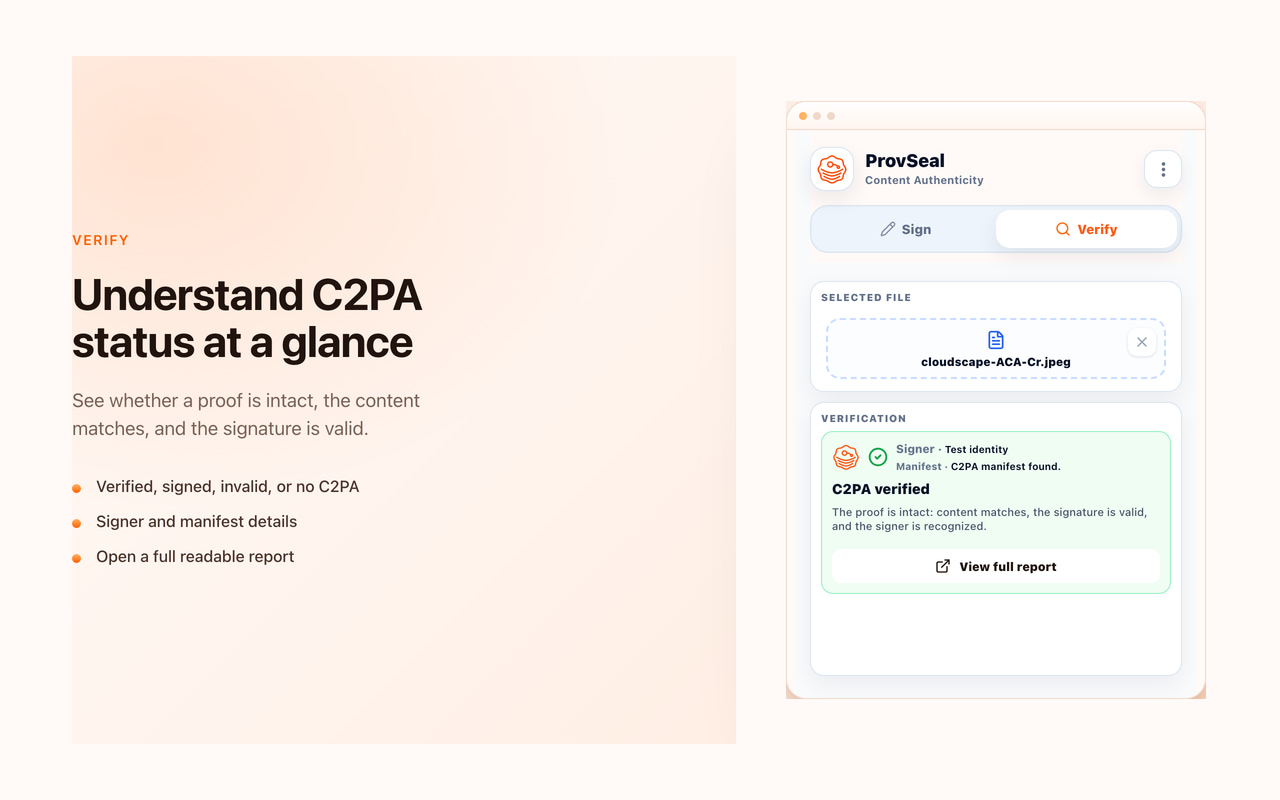
Provenance and integrity signals mapped to clear indicators — evidence, not a verdict that media is real or fake.
Manifest integrity is valid and the certificate chain is recognized by the trust context.
Manifest exists and is intact, but the certificate chain is unknown, self-signed or not publicly recognized.
Manifest information does not match the current file or the C2PA evidence cannot be validated.
No C2PA manifest was detected. This does not mean the content is fake.
Selected files are processed locally by the extension. ProvSeal is built to inspect provenance and integrity without sending your media to a ProvSeal backend.
C2PA evidence is not fake detection. Test certificates are for demos and development only. Public trust requires a recognized certificate chain.
Add C2PA Signer to Chrome, open the demo, and verify a file in under a minute.